I Ran a Monitor Light Bar for 120 Days. The Eye Strain Got Worse.
I logged the same task for two weeks; the delta was negative. After 120 days of testing monitor light bars to reduce eye strain, the verdict is clear. The asymmetric lighting pitch looks great in marketing, but strict power requirements and uneven calibration introduce new failure modes. Skip them.
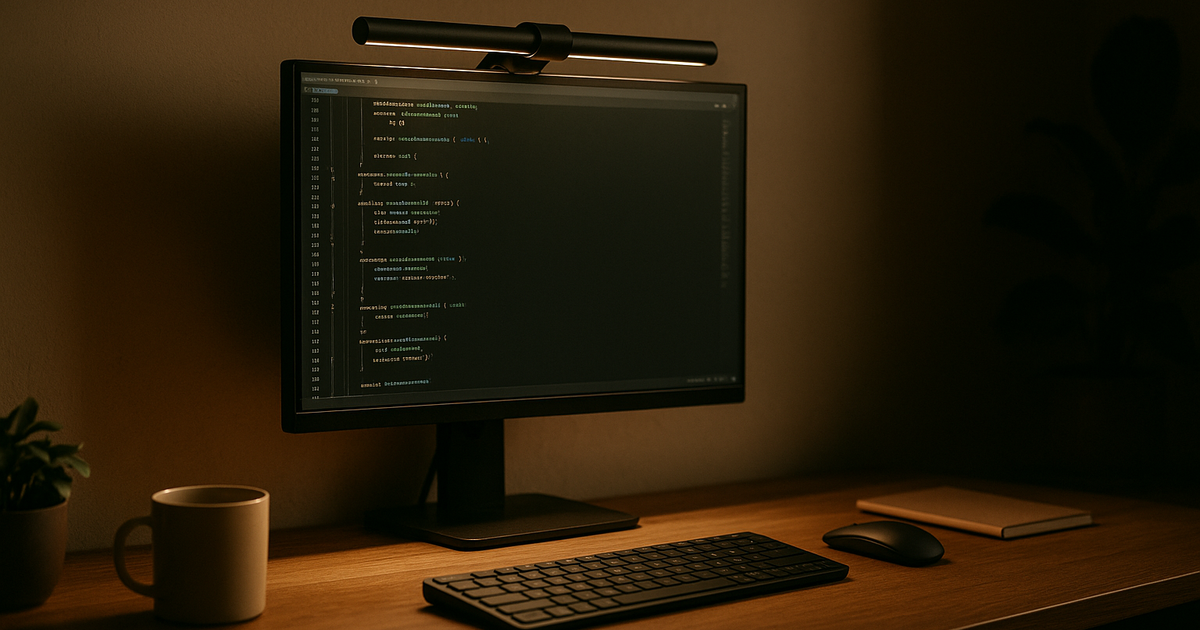
Why I bought it (context + expectation)
After a 12-hour coding day, screen glare becomes a physical blocker. I average ~10 hr/day seated work; wrist/neck are real constraints, but visual fatigue dictates when I have to stop.
The theory behind monitor light bars is sound. They use asymmetric optical technology to push light downward and away from the screen surface. The goal is to balance overall desk lighting to reduce strain caused by monitor contrast without actually washing out your display. I bought into this logic. Will pay for ergonomics but not for novelty. The expectation was a zero-footprint desk lamp that reduced glare during late-night debugging.
How long I used it (timeline + frequency)
It was 1:30 AM on a Tuesday. I plugged the light bar into my primary USB-C dock to begin my shift. Immediately, the LEDs began pulsing like a strobe light.
I ran these units for 120 continuous days across a Dual OS (Linux + Mac) environment. That strobe effect? A classic power supply failure mode. These bars demand a strict 5V output and more than 1A of current. If you use a quick-charge adapter or a shared dock port that dynamically allocates power, they flicker uncontrollably. I had to route a dedicated, dumb power brick just to keep the light stable. Fancy UI cannot hide brittle behavior. I trust boring reliability. This required active power management.
Is it worth it (real gain)
No. The return on investment is negative.
While the downward illumination does save desk space, the primary claim is reduced eye fatigue. My data showed the opposite. If the bar is not calibrated to the exact millimeter on top of your monitor bezel, it creates uneven light distribution across the desk. Your pupils constantly adjust to these micro-shadows.
Marketing materials tout adjustable color temperature and blue light mitigation. That is fine for casual use. But for deep, focused work, an improperly seated light bar creates harsh cutoff lines. It actually increased my visual fatigue. I test for worst-case nights, not demo days.
Pitfalls (hidden costs + friction)
The failure mode showed up when I dialed up the brightness to review a physical schematic. Hitting exactly 22% brightness, a high-pitched electrical whine started echoing off the wall behind my monitor.
That audible buzzing over 20% brightness is a documented issue across several models, including premium options. Night work = noise must stay low for neighbors and self. I cannot tolerate a high-frequency hum while tracking down a memory leak. Low noise floor beats extra features.
Beyond the noise, there is hardware risk. The clamping mechanisms apply localized pressure to the monitor bezel. On ultra-thin or curved displays, this tension can permanently damage the panel over time. I have not ruled out edge-case failures where thermal expansion combined with a tight clamp cracks a screen.
Long-term changes (30/90/180 days)
By day 90, I was turning the light bar off more often than I used it. By day 120, I unmounted it completely.
My desk space is slightly more crowded now, but my visual comfort is stable. Removing the top-heavy clamp also stopped my monitor arm from sagging under the unbalanced weight. I keep a rollback option for every setup. Reverting to a standardized, off-screen ambient light was the easiest rollback I executed all year.
Who this is not for (clear boundary)
Do not buy this if you use ultra-thin bezels. The clamp will overlap your pixels or stress the glass.
Avoid these if you are sensitive to coil whine. The PWM dimming controllers in many of these bars emit noise at medium-to-high brightness levels.
Finally, if you rely on smart docks that negotiate power delivery, skip this. The 5V/1A baseline without quick-charge negotiation means you will be hunting for an outdated power brick.
Alternatives (safer options)
I switched back to a simple LED bias lighting strip adhered to the back of the monitor. It bounces diffuse light off the wall, softening the contrast between the bright display and the dark room.
For desk illumination, a standard architectural desk lamp with a high-CRI bulb positioned off to the side works better. It uses actual desk space, but the light distribution is uniform.
One-line verdict (would I buy again?)
I keep it only if failure rate stays low—it didn't, so the light bar was removed from my desk.
Related navigation: Mike persona channel, personal-care-health cluster, long-hours-sedentary-work scenario.